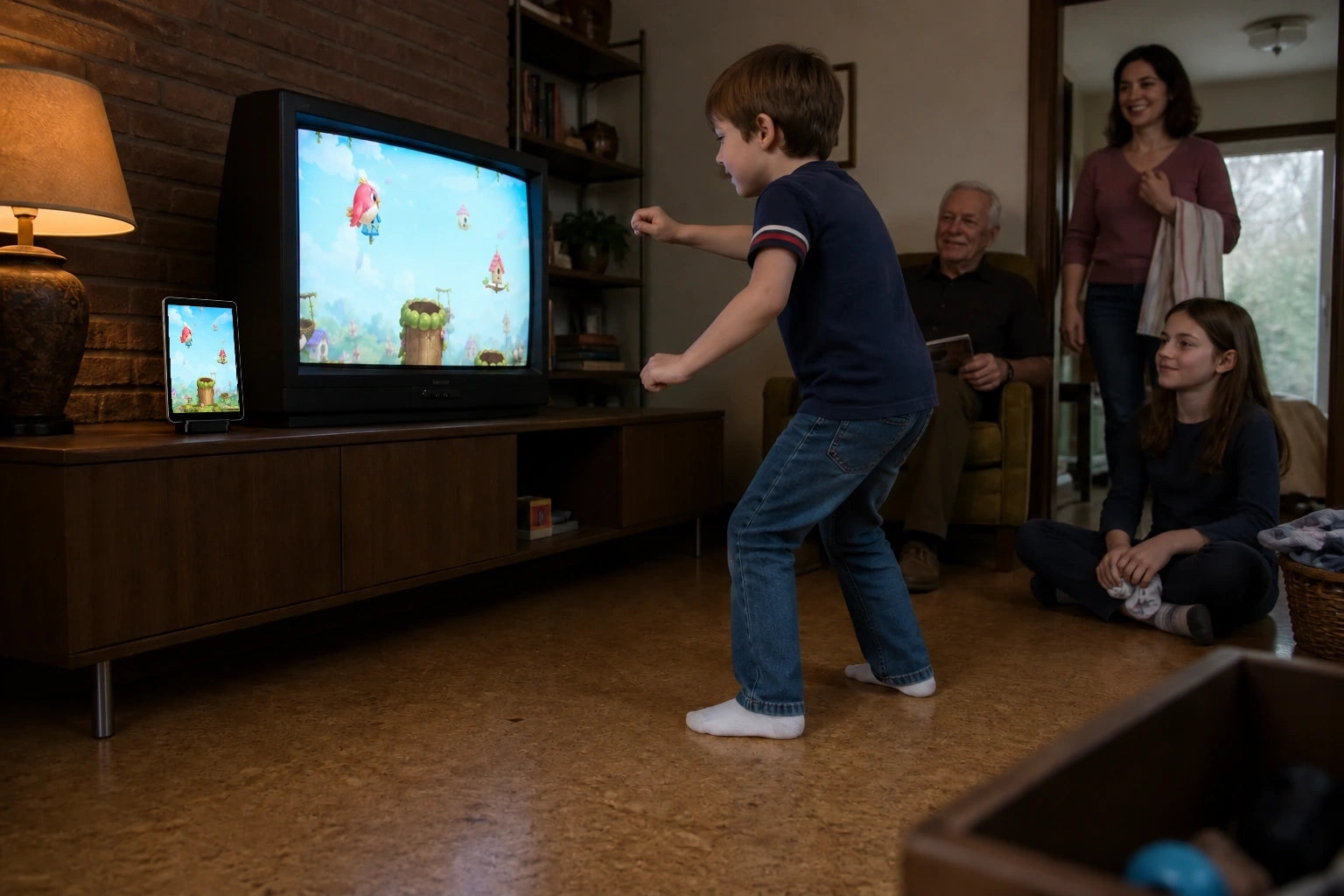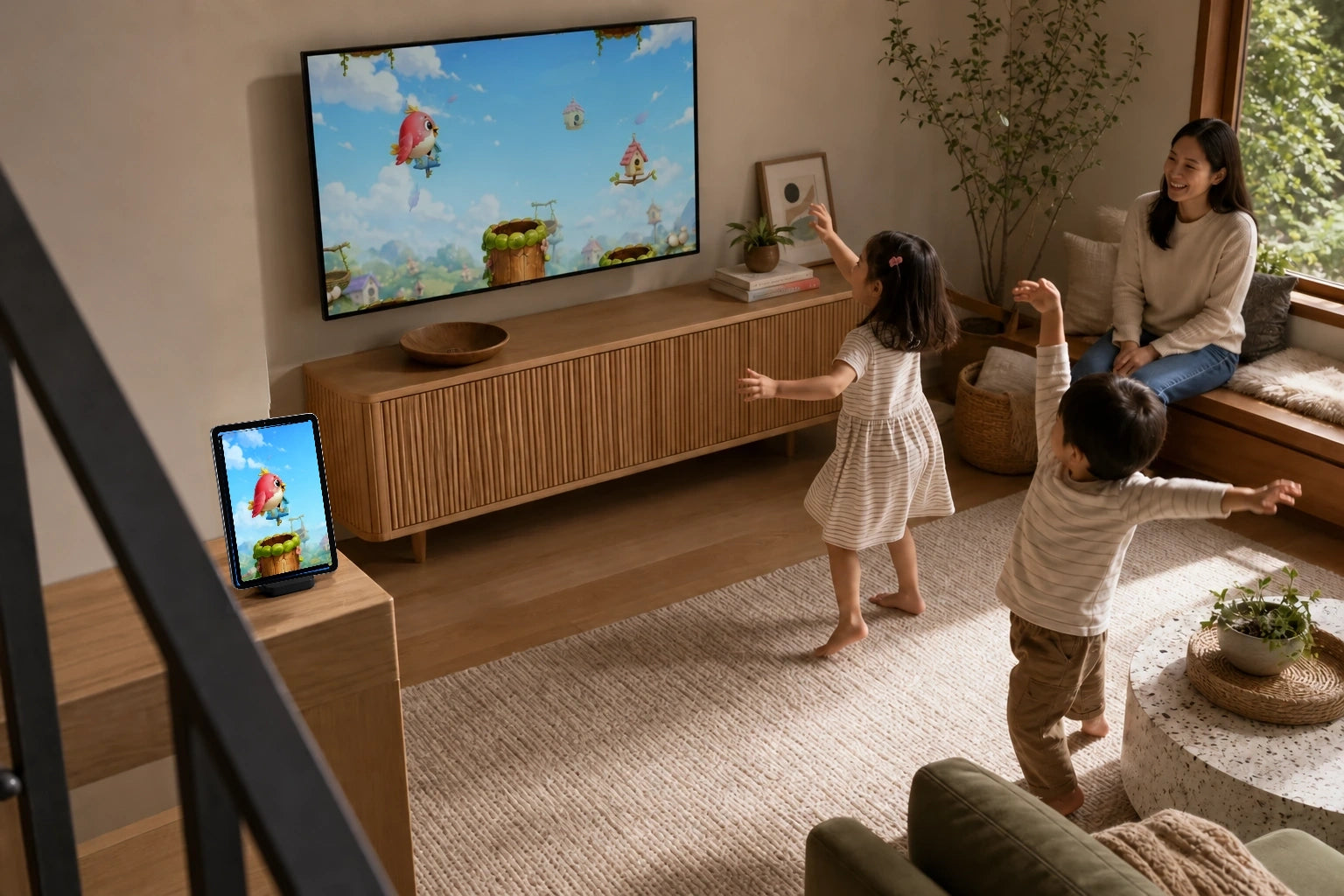
A family game night in 20 minutes
A little time, a few favorite games and a room full of people to cheer you on. Here is a simple way to make tonight a game night using your own iPhone or iPad.
Let everyone bring one idea
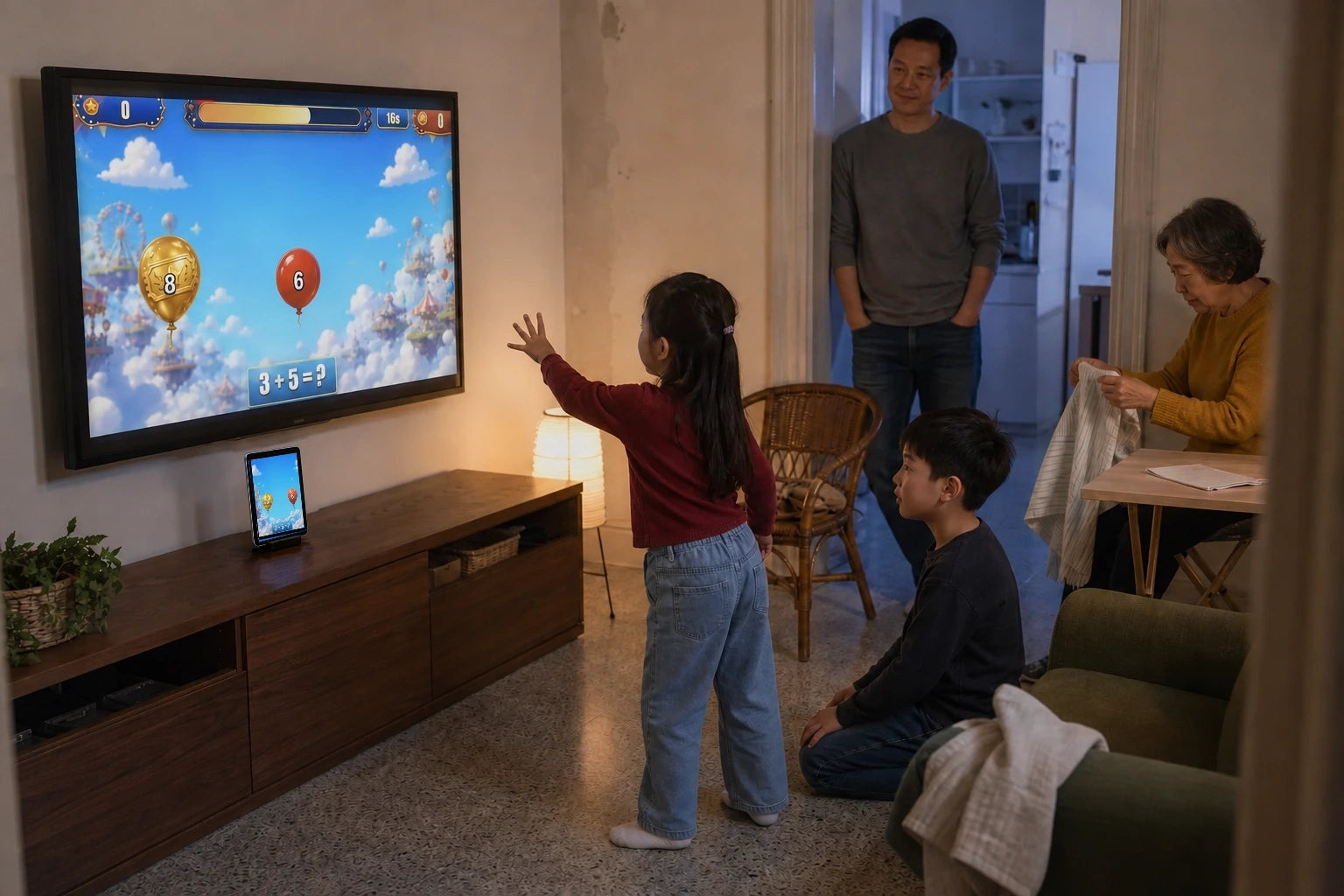
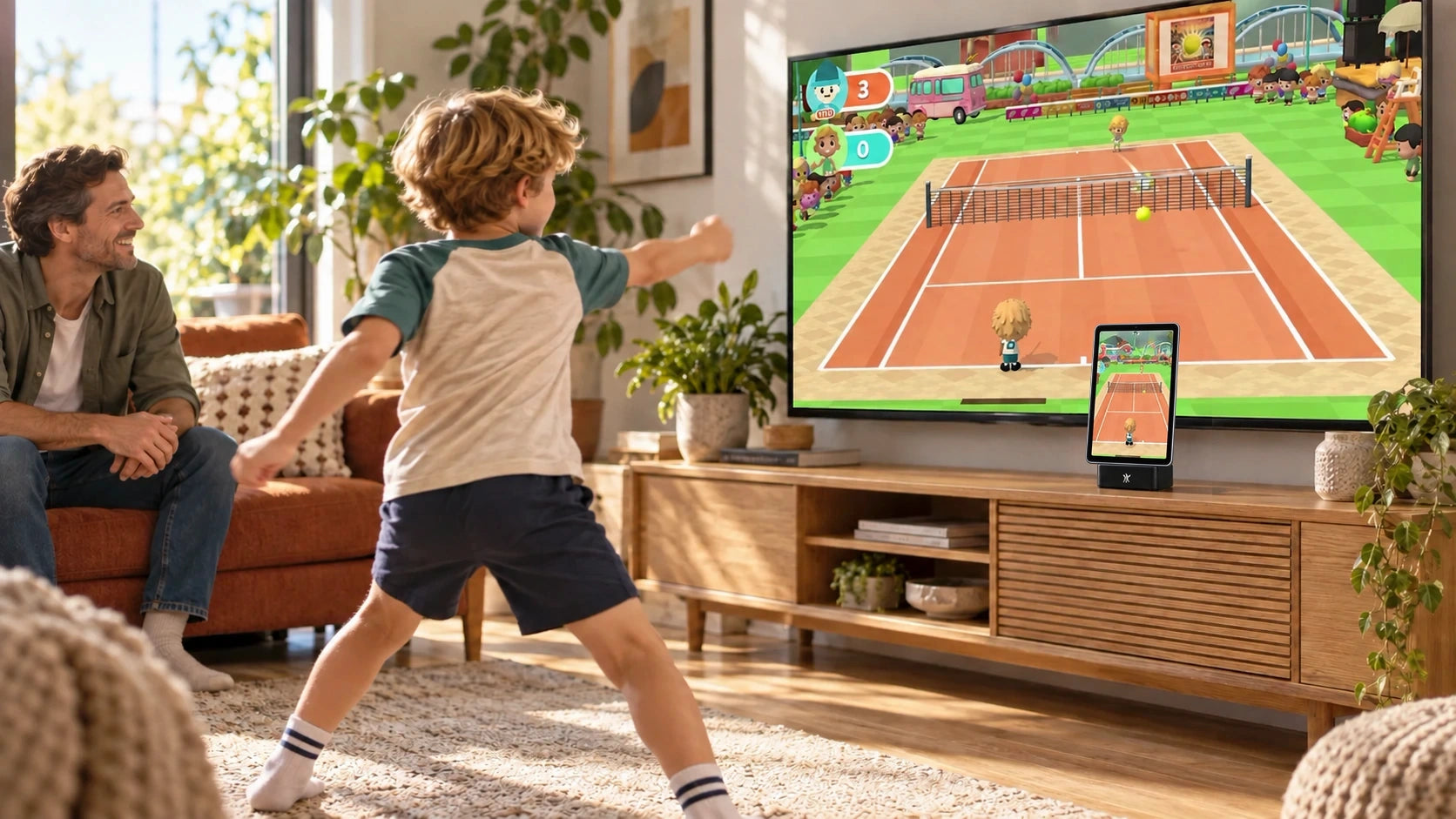
Ask each person to nominate a game before the first turn. Tennis Smash brings the rallies, Balloon Pop gets hands reaching, and Copy Cat gives everyone a movement to follow. Pick two or three rather than trying to visit the whole library. The first player chooses the opener; someone else can choose the next game. That small choice makes the evening feel like everyone’s plan.
Turn your own device into playtime
PlayDock Arcade uses the camera and computing power in your compatible iPhone or iPad to turn movement into game controls. You can play on the device itself, or use a compatible TV setup to give the waiting crowd a bigger view. Open your chosen game, follow its framing prompt and try a practice round. Make sure everyone understands the move before bringing scores into it.
Give the cheering section a job
Take one round each and swap at the end, following the game’s player instructions. People waiting can count a rally, celebrate a save or help choose the next game from outside the player’s moving space. Try a different announcer every turn: a calm tennis commentator, a very excited goalkeeper fan or someone who only reports excellent balloon popping. Ask before offering hints; sometimes discovering the move is the fun part.
Make the challenge personal
Instead of asking a beginner to beat the family expert, try “one more return than your last round.” Each person can choose their own target, then decide whether they want a rematch. For a shared family challenge, add up everyone’s separate round scores on paper and see what total you reach. That is your own game-night idea, so there is no need to find a special team mode in the app.
Keep the camera story simple
Your iPhone or iPad processes camera movement on the device. Raw camera video is not recorded or uploaded for gameplay tracking. If you choose optional casting, the game picture, including any camera view, and audio are shared with your selected receiver over your local network. For tonight’s setup, keep the device steady, clear the moving area and follow each game’s camera prompt when a new player steps in.
Finish while there is still a favorite
Give everyone a heads-up before the last round. Vote for one game to revisit, agree who gets the final turn and end with a favorite moment: the surprise save, the missed balloon or the grown-up who needed another practice go. Put away the setup safely and name the first game for next time. Twenty minutes does not need a trophy ceremony, but a very dramatic bow is always an option.